Paprika Recipe Manager 3

Paprika Recipe Manager 3

By Hindsight Labs LLC

  • Category: Food & Drink
  • Release Date: 2017-11-15
  • Current Version: 3.8.4
  • Adult Rating: 17+
  • File Size: 34.16 MB
  • Developer: Hindsight Labs LLC
  • Compatibility: Requires iOS 12.0 or later.
Score: 4.90104
4.90104
From 51,227 Ratings

Description

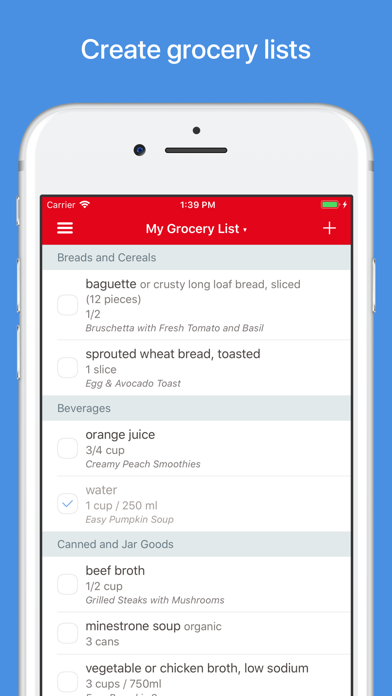
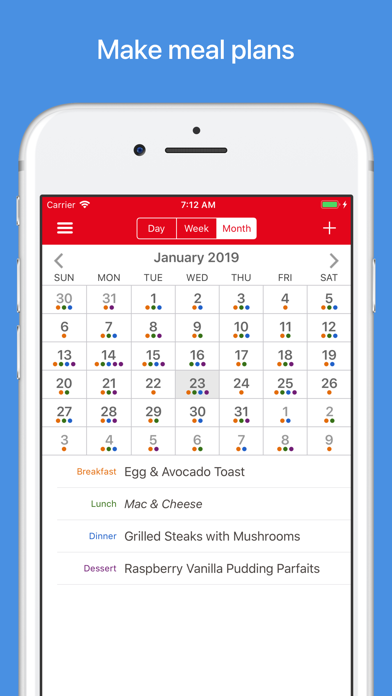
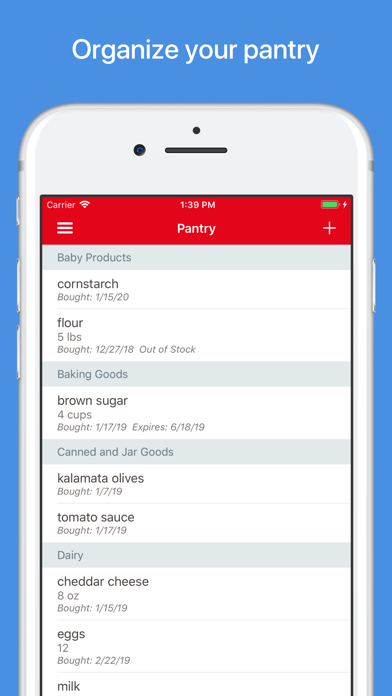
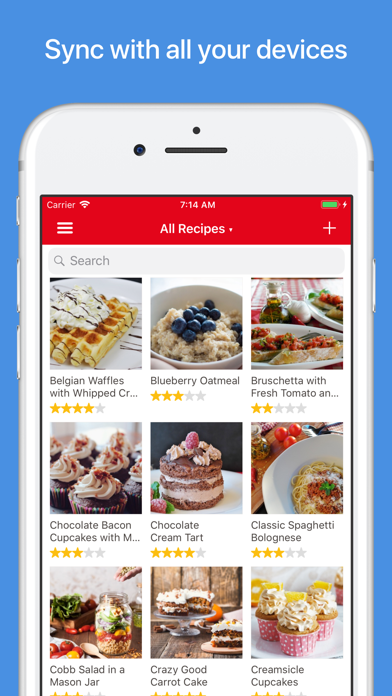
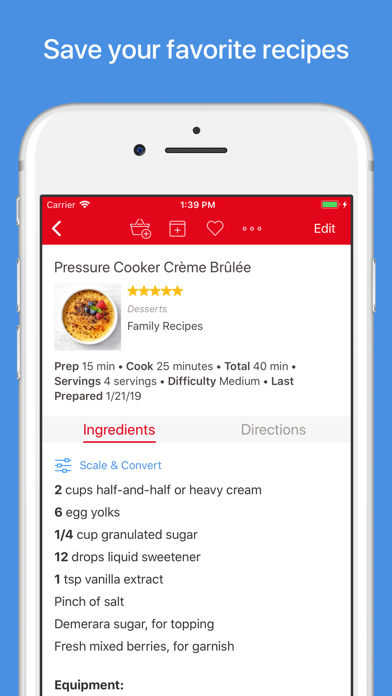
Organize your recipes. Create grocery lists. Plan your meals. Download recipes from your favorite websites. Seamlessly sync to all your devices. Features • Recipes - Download recipes from your favorite websites, or add your own. • Grocery Lists - Create smart grocery lists that automatically combine ingredients and sort them by aisle. • Pantry - Use the pantry to keep track of which ingredients you have and when they expire. • Meal Planner - Plan your meals using our daily, weekly, or monthly calendars. • Menus - Save your favorite meal plans as reusable menus. • Sync - Keep your recipes, grocery lists, and meal plans synced between all your devices. • Adjust - Scale ingredients to your desired serving size, and convert between measurements. • Cook - Keep the screen on while cooking, cross off ingredients, and highlight your current step. • Search - Organize your recipes into categories and subcategories. Search by name, ingredient, and more. • Timers - Cook times are automatically detected in your directions. Simply tap on one to start a timer. • Import - Import from existing apps such as MacGourmet, YummySoup!, MasterCook & Living Cookbook. • Export - Export your meal plans to Calendar and your grocery lists to Reminders. • Share - Share recipes via AirDrop or email. • Print - Print recipes, grocery lists, menus, and meal plans. Recipes support multiple print formats including index cards. • Extensions - Save recipes directly in Safari and view today's scheduled meals. • Bookmarklet - Download recipes from any browser straight into your Paprika Cloud Sync account. • Offline Access - All of your data is stored locally. No internet connection is required to view your recipes. What's New in 3.0 • iPhone X and iOS 11 support. • iOS app is now universal. • Multitasking support on iPad. • Add multiple, full-sized photos to each recipe. Embed photos in your directions. • Insert links to other recipes or websites in your ingredients or directions. • Format recipes using bold and italics. • Convert ingredient measurements between standard and metric. • Search for recipes across multiple categories. • Add custom aisles to your grocery list and re-arrange them in your preferred order. • Create multiple grocery lists. • Add custom ingredients to the pantry. Track quantities, purchase dates, and expiration dates. • Move items back and forth between the pantry and grocery list. • Add custom meal types to the meal planner. • Create reusable menus that span multiple days. Platforms Paprika is available on multiple platforms so you can access it on all of your devices. Please note that each version is sold separately.
Screenshots

Reviews

  • No way to add ingredients

    1
    By pbceeman75
    I downloaded the app and added my first recipe. When I tried to add ingredients it showed none were available. I went to the pantry and add some items. Still was not able to add any ingredients to the recipe. I read the user guide and there is no mention of how to actually add ingredients to a recipe. The app is completely broken
  • This App Changed My Whole Life

    5
    By Madwifey40
    I have never felt as comfortable about cooking,as I have since I got this app. You can’t go wrong! Having recipes in order, along with the list is a real partnership for me.Just get the app.
  • My MVP App

    5
    By MoLinz1
    This is the best app - so useful and practical. I love how I can download recipes from the internet, adjust portion size, and add the entire recipe’s ingredients to the grocery list (totally customizable). I use it weekly to plan and almost daily for cooking.
  • Needs Updating

    4
    By BrandyRae.
    I love Paprika and have for years, but it needs to be updated so that we can download off sites like FB Reels and TikTok. Please update your app to do this so I don’t have to switch to another recipe app!
  • Can’t imagine meal planning without it

    5
    By matthewbjordan1
    Loveeee this app! I can’t imagine meal planing and shopping without it! It’s so great that you can add a recipe from anywhere…that blows my mind. Also once I have recipes on the app it makes my grocery list so easy since there’s a way to automatically add ingredients to my shopping list.
  • Love Ana I have a suggestion

    5
    By boxerdogorama
    I absolutely love this app, I have it on all of my apple devices. I just have a suggestion. I think it would be great if the timer could go to the live actions on the lock screen or the Dynamic Island when we move out of the app.
  • Needs Several Obvious Additions

    3
    By Pyt Viper
    I bought this for the grocery list and pantry list. I’ve was using the free AnyList app.. and its grocery list had better features than paprika. When shopping, choosing an item that you have picked up should be crossed out.. not just check marked. You should be able to delete ALL completed items. This shortens your grocery list and makes it easier to see and manage the remaining items. And why are item’s names not capitalized?! It is a minor thing, but makes the product look childish and unprofessional having all lowercase.
  • The best ever!

    5
    By Keseyo
    I am not a great cook, but I aspire to be. This is one of my favorite apps ever. It is so easy to collect recipes and so easy to adapt for more or fewer servings and easy to make notes. I super love this app. Ive had it over a year!
  • Why didn’t I do this sooner?

    5
    By Dewy99
    Exceeding expectations. I was looking for an electronic recipe keeper to replace my not very organized binders of printed recipes. This has done very well. The ability of the app to pull the recipes off the sites I commonly go to such as New York Times cooking or AllRecipes is fantastic. The built-in timers and the recipe scaling options directions are really useful. Coordinating with shopping lists isn’t a big deal for me, I haven’t tried or used anything in that realm. Screen grabbing from a cookbook didn’t work as well for me, but I found that just dictating was quite efficient. I especially love the duplicate feature. I’m working to get the perfect Neapolitan pizza dough recipe, and the app lets me record exactly what I tweaked and how it came out by duplicating and just adding a date into the recipe title. I mainly use the Apple iOS system, but we have an android based family wall calendar that I downloaded the app on as well and the synchronization works perfectly. I don’t see any value in buying the desktop Windows version and probably won’t. The ability to customize and assign categories is really helpful.
  • Best cooking app of all time

    5
    By Zac’s app reviews
    I feel compelled to write about this app. I’ve used it for 3 or 4 years now and it’s just incredible. It pulls recipes from ad-ridden blog sites perfectly. I use it to organize grocery trips. I save all my favorite recipes here. The best part is, it’s all a one time purchase. No ads, no subscriptions, just a great app. This is truly a rarity in today’s environment and I’m incredibly thankful to the developers of this amazing app! I suggest it to anyone unlucky enough to ask me about cooking 😅

Comments

keyboard_arrow_up