Call Recorder iCall

Call Recorder iCall

By AppInnovations

  • Category: Business
  • Release Date: 2019-01-23
  • Current Version: 3.6.8
  • Adult Rating: 4+
  • File Size: 592.51 MB
  • Developer: AppInnovations
  • Compatibility: Requires iOS 17.0 or later.
Score: 4.56663
4.56663
From 23,142 Ratings

Description

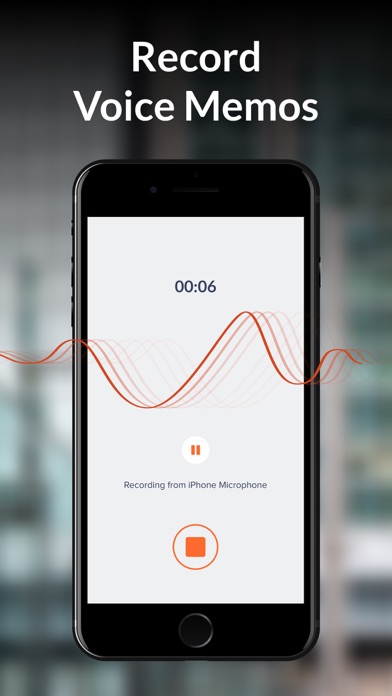
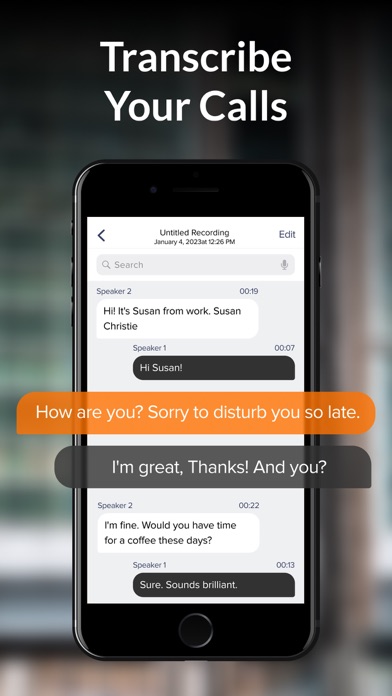
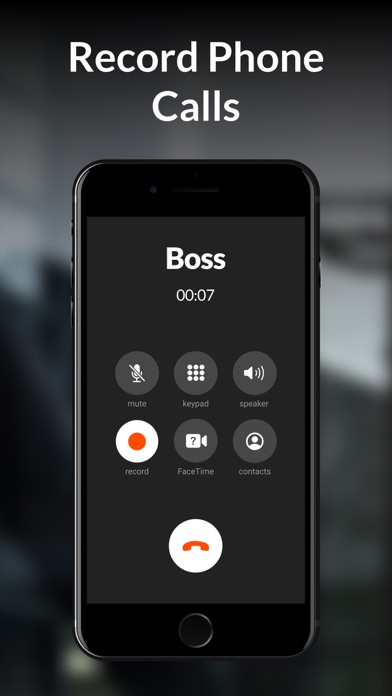
Record outgoing & incoming calls just in a few taps and access recordings anywhere, anytime! Try a free trial with all the features available. No more lies! Great for business! Here are the main features of our call-recording app: • Record incoming/outgoing calls in one tap • Save and access the records • Play and share your recordings • Enjoy the one-tap interface • Record as many conversations as you need • Contact our awesome customer service regarding any issues Save Your Time & Effort Record phone calls in one tap and use them later with iCall. Our phone call recording app will be extremely useful for business people, teachers and anyone who wants to save important information. Easy-to-Use How to record phone calls on your phone? Open our app, press the ‘Record’ button and carry on the conversation as usual. After the call ends, you can access the recording, replay it, direct to another app etc. Catch the Moment You can record both outgoing and incoming calls with iCall for later usage. Save important business agreements and genius ideas that pop up during a conversation. Record sweet moments with your loved ones to enjoy them later. Download now and see how iCall will transform your communication! Call Recorder iCall uses your carrier’s conference call feature to record conversations. Pro Upgrade Features: • Recording incoming calls • Recording outgoing calls • Unlimited duration of calls • ‘Share-and-manage your calls’ feature The following subscription plans are available (price may vary depending on location): – 1-week subscription with a 3-day trial version – 1-month subscription – Annual subscription Information about subscription auto-renewal: • Subscription automatically renews unless the auto-renew is turned off at least 24 hours before the end of the current period. • The user can manage subscriptions and turn auto-renewal off by going to the user’s Account Settings after purchase. • Any unused portion of a free trial period will be forfeited when the user purchases a subscription. • Payment will be charged to iTunes Account at confirmation of purchase. • The account will be charged for renewal within 24 hours prior to the end of the current period, and the cost of the renewal will be identified. By using Call Recorder iCall, you are agreeing to our Privacy Policy, Terms of Use: https://appinnovations.net/privacy-policy/ https://appinnovations.net/terms-of-use/
Screenshots

Reviews

  • Scam

    1
    By Staceemichelle
    I couldn’t even set it up with my own phone number to get a confirmation code. After I called the number for support, it would immediately disconnect. And on the research I found out that it has been looked up several times indicating that this is a common scam.
  • it works!!!

    5
    By quentin carey-
    Thank you 🙏
  • Free trial is not free

    1
    By Fasleadvertisingagain
    I used this app once during a free trial to record a call. I then saved that recording on my phone. Months later I realized I no longer needed the app and deleted it thinking that I would still have access to the recording. Nope, it disappeared from my phone. So I redownloaded the app to try and retrieve it, and I couldn’t even access anything without signing up for some kind of subscription. So I clicked on the button that says “Try for free” for a 3-day free trial- just to access my account - and what do you know Apple charged me $12.99, on top of that my recording was not saved. I have been disputing this with both Apple and the app. The app customer service has taken no responsibility telling me I willingly signed up for a regular weekly subscription. Be careful if you ever need to access this app again, they will fraudulently advertise another free trial only for you to be charged and them to then continue to blame you for the charge. Also be careful if you ever want to save the recordings, they will disappear if you delete the app. This is a terrible app.
  • I paid for this app and it didn’t even record call!

    1
    By Johnnnnnnhyhbb
    I paid for this app and it said it was recording and it didn’t even save the recording awesome! Worst app ever!
  • Wish I found this sooner

    5
    By Stevens Paula5
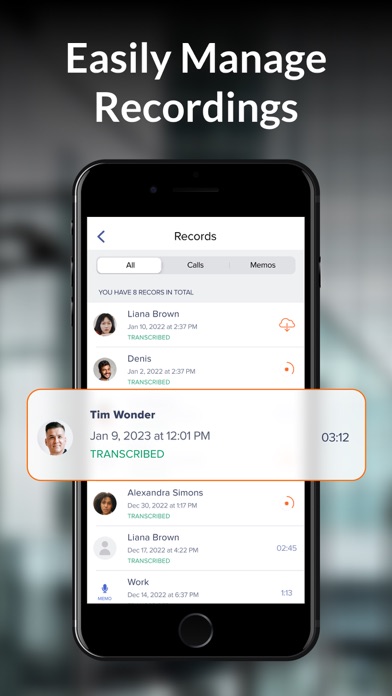
    i'm a real estate agent, i probably do 20-30 calls a day and i used to take notes while talking which means i was never really listening. now i just record everything and go back at the end of the day. the records list keeps everything by name and date so nothing gets lost. only thing i'd change is i wish there was a way to add a tag or a note to a recording but you can rename them so its not a big deal. anyway good app, worth it
  • Very disappointed

    2
    By xximAngelxx
    The app recorded 0:08 of a 32 min phone call that I needed for legal purposes. What a waste
  • Just works

    5
    By Suzi_Gablec
    Been using this for work calls with clients and it honestly just works. Saved me once when someone tried to say we agreed on a different price lol. Wish the files loaded a bit faster but no real complaints.
  • Dhdu

    5
    By Shri sie doe
    Dudu sgdhf
  • iCall screwed me over!

    1
    By Mobrinel
    I got a seven day free trial for iCall. The next day I realized that my iPhone has capability of recording conversations. So I tried to cancel my subscription (they make it very HARD to do that!). iCall charged me $19.99 and I am ticked OFF!
  • Simple and easy

    5
    By WrayAlvesi
    Works really well for what I need. Easy to use, recordings are easy to find, and I like that I don't have to deal with a complicated setup.

Comments

keyboard_arrow_up