Recipe Keeper

Recipe Keeper

By Tudorspan Limited

  • Category: Food & Drink
  • Release Date: 2015-04-02
  • Current Version: 3.46.2
  • Adult Rating: 17+
  • File Size: 166.54 MB
  • Developer: Tudorspan Limited
  • Compatibility: Requires iOS 12.2 or later.
Score: 4.83962
4.83962
From 30,823 Ratings

Description

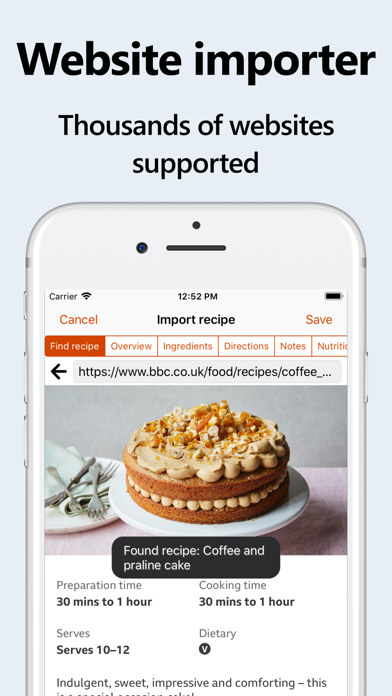
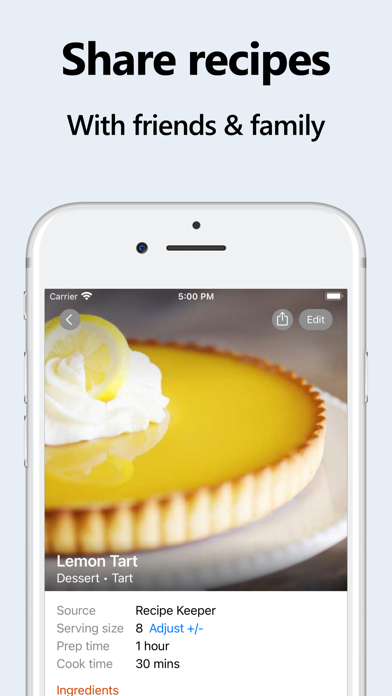
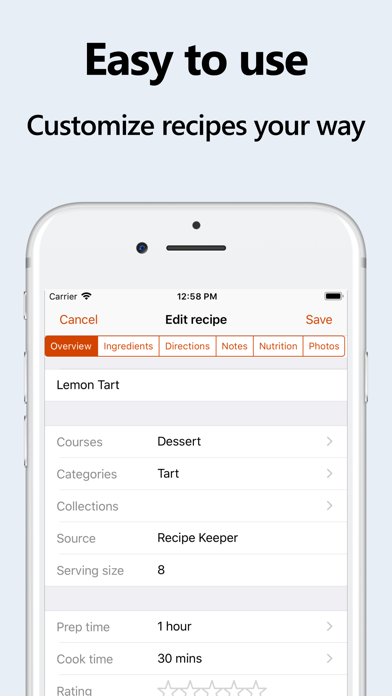
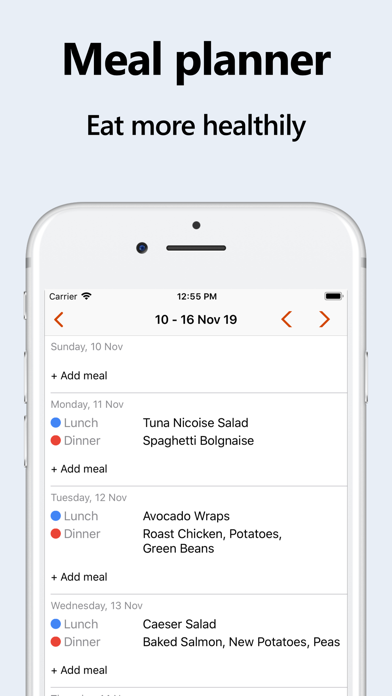
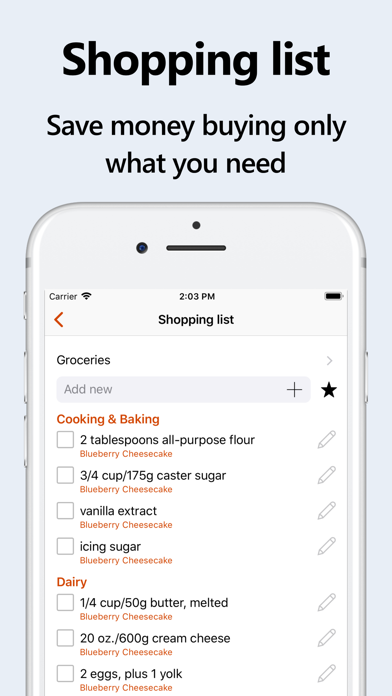
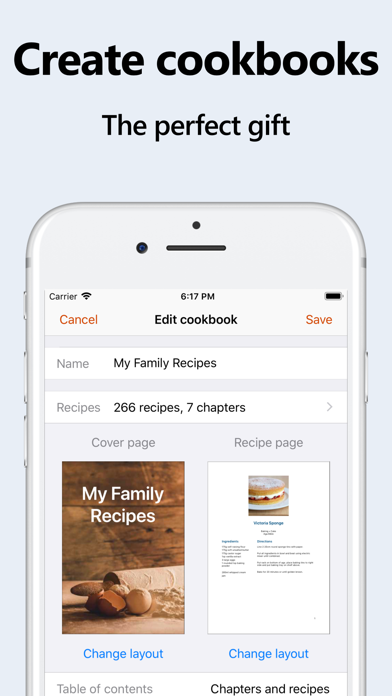
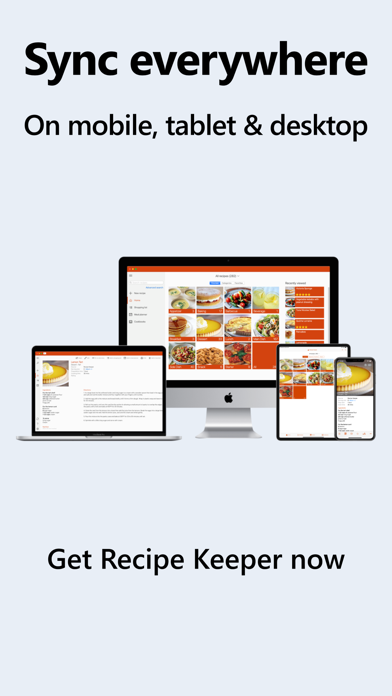
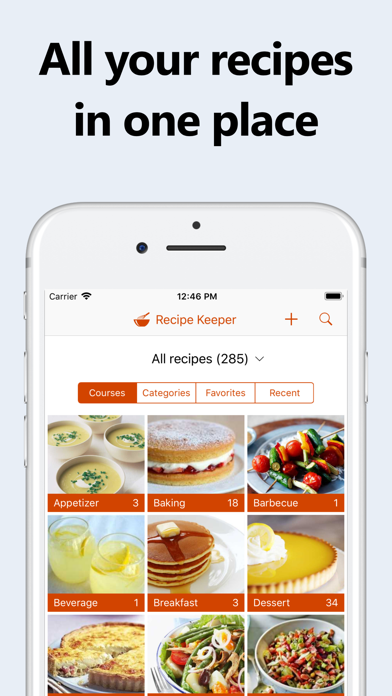
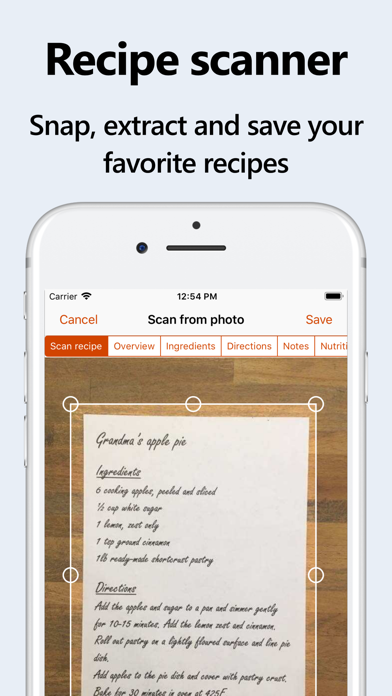
Recipe Keeper is the easy to use, all-in-one recipe organizer, shopping list and meal planner available across all of your devices. ADD RECIPES QUICKLY AND EASILY Enter your recipes with as much or as little information as you like. Copy and paste recipes from your existing documents or apps. Categorize your recipes by course and category. Add photos, rate your recipes and flag your favorites. IMPORT RECIPES FROM WEBSITES Search for recipes on the web and add them straight to your collection. Hundreds of popular recipe websites supported. Customize imported recipes to suit your needs. SCAN FROM COOKBOOKS, MAGAZINES AND HANDWRITTEN RECIPES Scan recipes using your phone's camera or from your existing photos and PDF files. OCR technology automatically converts images to text. Keep all your favorite family recipes safe forever. FIND ANY RECIPE INSTANTLY Quickly lookup your recipes by name, ingredient or directions or simply browse your recipes by course, category and rating. Got leftovers in the fridge? Search for a recipe to use them up. Cook more of your favorite meals and rediscover those long-forgotten recipes to make mealtimes interesting again. SHARE RECIPES WITH FRIENDS AND FAMILY Share your recipes by email and to your favorite social networks. Create a shared family recipe collection. Add recipes from other Recipe Keeper users with a single tap. CREATE BEAUTIFUL COOKBOOKS Create cookbooks from your recipes for printing or sharing as a PDF with cover page, table of contents, custom layouts and more. UNEXPECTED GUESTS? Adjust a recipe serving size up or down and let Recipe Keeper automatically recalculate your ingredients for you. PLAN AHEAD AND STAY IN CONTROL Integrated weekly and monthly meal planner allows you to plan your meals in advance. Add all your meals to your shopping list in one step. Recipe Keeper can even create a random meal plan for you based on your hints and suggestions. Get rid of that "what should I cook tonight?" feeling. MAKE SHOPPING SIMPLER Fully featured shopping list that automatically groups your items by aisle. Save money by only buying what you need. No more trips back to the store for that one thing you forgot. AVAILABLE ACROSS ALL OF YOUR DEVICES Share your recipes, shopping lists and meal planner across all your iPhones, iPads, Macs, PCs and other mobile and tablet devices (separate purchase required for other platforms). "ALEXA, ASK RECIPE KEEPER FOR COOKIE RECIPES." Search your recipes, cook hands-free with step-by-step instructions and add items to your shopping list using the Recipe Keeper skill for Amazon Alexa, (English language only). TRANSFER YOUR EXISTING RECIPES Transfer your recipes from other apps such as Living Cookbook, MasterCook, MacGourmet, BigOven, Cook'n, My Cookbook, My Recipe Book, Paprika Recipe Manager, Pepperplate, OrganizEat, Recipe Box and many more. AND MORE! • Choose from 25 different color schemes, light & dark modes • Format recipes using bold and italics • Customizable recipe collections, courses and categories • Add nutrition information and search for recipes by nutritional amounts • Check off ingredients while cooking, highlight the current direction • Adjustable text size when viewing recipes - great for reading recipes across the kitchen • Convert recipes between US/Imperial and Metric units • Link related recipes together • Add links to online videos • Pin your favorite recipes to the home screen for quick access • Works offline - take your recipes with you wherever you go • Bulk update multiple recipes at once • Screen lock disabled while viewing recipes - no more messy fingers on screen trying to wake your device • Available in 15 languages GREAT SUPPORT We love hearing from you! If you need any help, have a question, or want to suggest a new feature, please email us at support@tudorspan.com Cook more. Eat healthier. Shop smarter. Try Recipe Keeper free today!
Screenshots

Reviews

  • Awesome App!

    5
    By clj2020
    This is an awesome app because it can keep just about any recipe you like. Add your own or import from sites. The newest thing is delicious looking recipes that you click on only to get so many pop-up ads you can’t see therecipe. I just pasted url into this app and Voila! The ads disappeared like magic! Highly recommend.
  • Amazing

    5
    By 124me133
    This program fulfills all the needs I can think of for a recipe site. It just does everything. Glad my daughter shared it with me
  • WHAT HAPPENED

    3
    By daddypoohnash
    I truly loved this app I use it daily for meals and shopping. Lately it has been acting up and not adding recipes from paste or from websites. What happened with it? Please don’t make me find a different recipe keeper to use.
  • Best Recipe App!!!

    5
    By BLP Colorado
    I have been using this app for a few years now and I absolutely love it! It is so easy to use and the options it provides are extremely convenient. I love how easy it syncs across all of your devices if you want it to. Finding a certain recipe at any given time is very easy. Adding needed ingredients to a shopping list is a very beneficial option! Being able to import recipes from other websites makes this so easy to use. Best app hands down!!!
  • A must have

    5
    By AReal chef
    Great for exploring new recipes!
  • Exactly what I was looking for!

    5
    By Eliney
    This was exactly what I’ve been searching for!! Simple and easy to use, features clearly focused on the task at hand (saving recipes painlessly), no BS social platform features clouding the function. Truly the best! I haven’t tried cloud functions yet across device, but 1 time payment of $20 is worth it just to have the clean, focused experience of importing recipes from photos and being able to edit.
  • Finally the App I love!

    5
    By jess gme
    I am so thankful that I finally found a recipe keeper that has honestly changed my life. I originally just got the pc app but realized I also had to purchase the mobile app as well. I was a little frustrated with that but I decided to get that together and it’s been worth it. I’ve struggled for years with meal planning and I get overwhelmed going to the grocery store and trying to figure out meals. I would hate going to the grocery store and it would cause me panic and anxiety. I also have a health issue that causes much of this frustration and need to be in special diets. Since this so has been in my life, it keeps me organized and I plan way ahead. I especially love love the shopping list! I can go to the grocery store now with my handy synced list and have not had any overwhelming feelings or anxiety shopping. I actually enjoy now putting my meal plans together. The best part also for me, I have saved and screen shot I don’t know how many recipes and never got to them. Well, recipe keeper in seconds can load those screenshots and add the full recipe into my recipes section. Try it, you woo not regret it and it’s user friendly with no issues so far! ♥️
  • Just get it

    5
    By thejawas
    This app is killer. I photograph a recipe from one of my cookbooks and it automatically adds it as a recipe which I can then categorize schedule on a meal planner, etc. I can easily search for ingredients, recipes, courses, and it syncs between my iPhone, my Mac and my iPad. Highly recommend!
  • Great app but…

    1
    By number156
    This is a great app but the down side is that me and my wife would have to have separate pro accounts just to share the same recipes because we are not using the same Apple ID. Edit: This has been confirmed in an email from the developer. “Yes, that is correct. You would need to purchase the iOS version of Recipe Keeper for your Apple ID and your wife would need to purchase the iOS version of Recipe Keeper for her own Apple ID.”
  • Recipe image doesn’t show

    5
    By Yourefree
    When customizing app color the widget doesn’t show the recipe image

Comments

keyboard_arrow_up