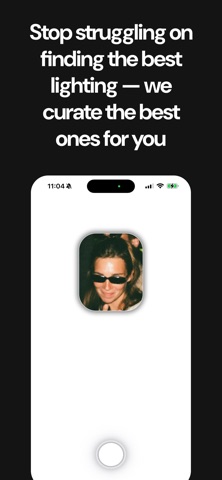

Selfies coming out dark, grainy or full of shadows? LittyCam turns your iPhone screen into a soft selfie light, so your face looks bright and even at night, in a dim room or in the car, with no ring light to carry. How It Works Your front camera sits in a small window and the rest of the screen glows in the color you pick. That light shines straight onto your face, like a ring light or a front flash. Pick Your Light - 8 ready-made lights: Moonlit, Golden Hour, Citrus Glow, Cherry, Violet, Lilac, Ocean and Cold Blue - A color wheel to mix any color you want - Sliders for screen brightness and color strength - Every color comes with the app; none are sold separately Get the Shot - Soft Glow you see live before you take the photo - Auto sets everything in one tap; Reset starts over - A 3, 5 or 10 second timer for hands-free selfies - Grid lines to frame your shot - Mirror mode, so your selfie isn't flipped the wrong way - Switch between the front and back camera - Record video in the same light - Photos and videos save straight to your Photos Also a Night Light Hide the viewfinder and the whole screen fills with color: a soft night light or mood light. When It Helps - Night-out selfies, at a party or in the car - Checking your makeup in good light - Profile pictures without shadows on your face - Filming videos and stories in a dark room How the Subscription Works LittyCam needs a subscription for full access. New subscribers can start with a free trial and cancel anytime in their Apple Account settings. Some features require a subscription. See in-app purchase options for details. Terms of Use: https://www.apple.com/legal/internet-services/itunes/dev/stdeula/