Oilist

Oilist

By 3DTOPO Inc.

  • Category: Photo & Video
  • Release Date: 2017-04-20
  • Current Version: 2.1.0
  • Adult Rating: 4+
  • File Size: 141.51 MB
  • Developer: 3DTOPO Inc.
  • Compatibility: Requires iOS 12.0 or later.
Score: 4.78659
4.78659
From 3,772 Ratings

Description

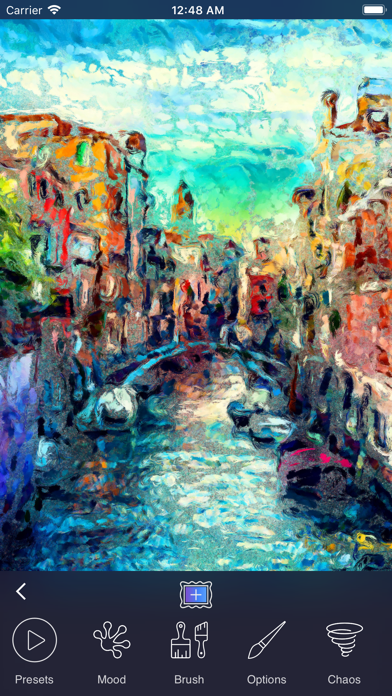
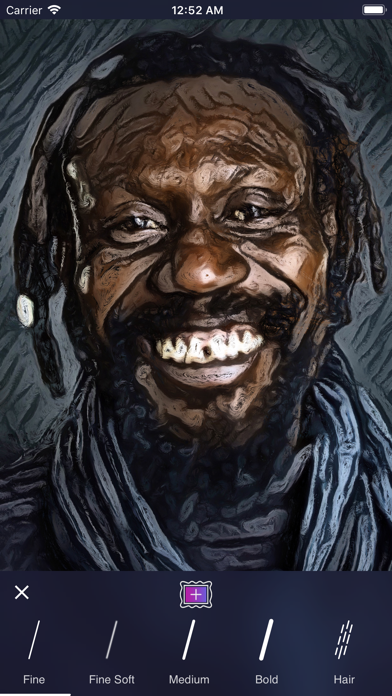
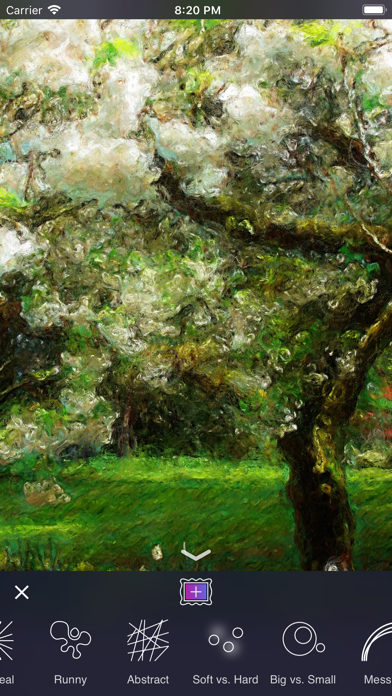
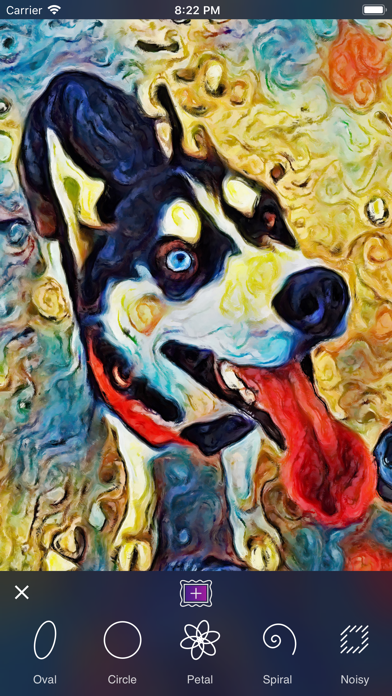
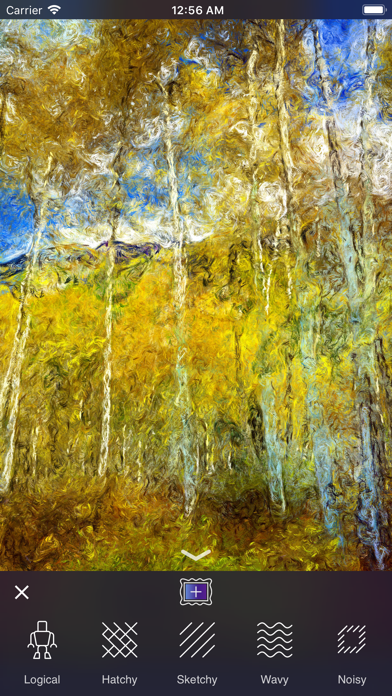
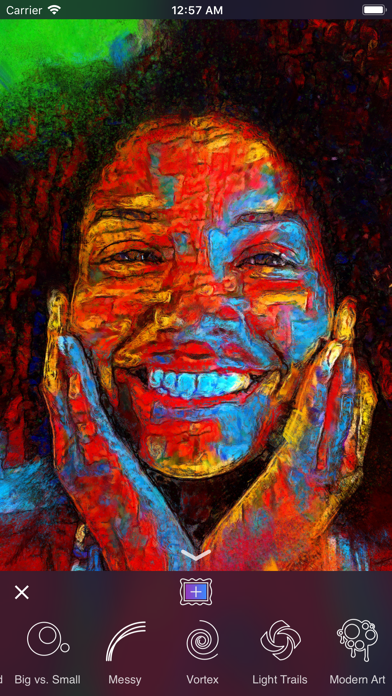
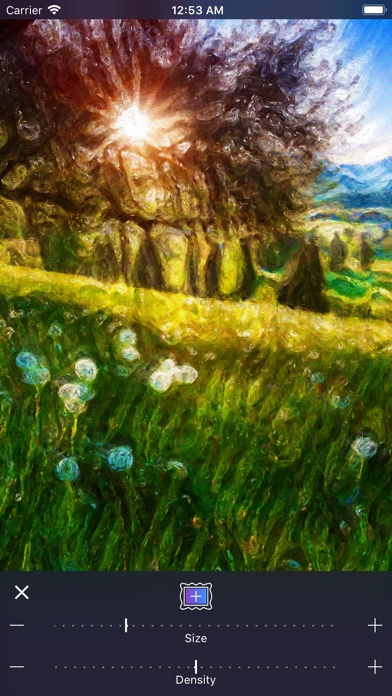
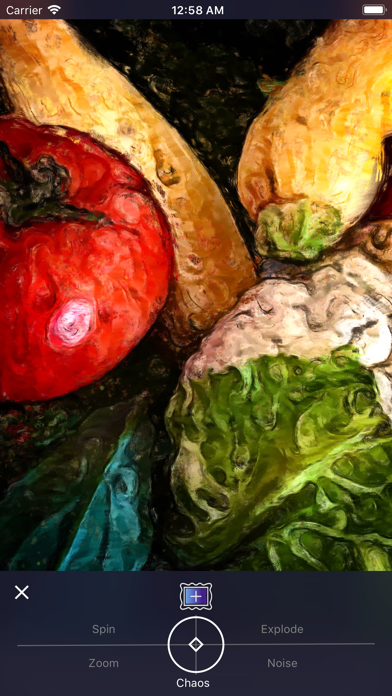
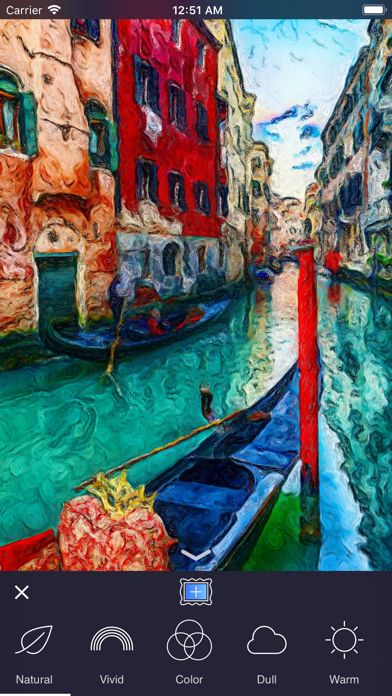
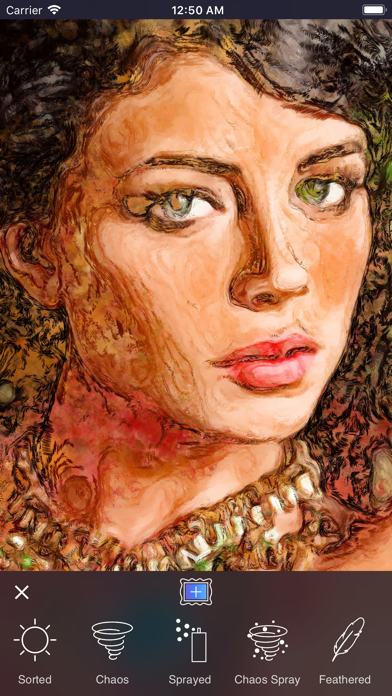
Oilist: the Artist in your pocket. Make Fine Art based on your pictures! "Oilist is an artist in your phone, one that you watch sketch, paint, and craft a unique version of a photo you’ve shot." - MacStories, May 2017 "App of the week: Oilist review - Hypnotic, engaging, with a longevity that escapes most filter apps, and with high-res output so you can use it to create real-world art." - Stuff Magazine, April 2017 Give Oilist an image, and it will automatically generate a genuine and unique work of art based on it. Painted for you in real time! Participate or spectate it's up to you, Oilist will delight! All saved at canvas-worthy 4k resolution. ​ Oilist comes with 48 infinitely customizable styles; from photo-realist to impressionist, to abstract. Every style except for our photo-realist style offers three different levels of abstraction. Oilist is not a photo filter. Unlike most filter apps, Oilist will never generate the same results twice, and in fact, each brush stroke is unique. Instead of applying a fixed formula to an image as photo filters typically do, Oilist analyzes the supplied image using computer vision technology, then paints simulated paint particles that are applied using various brush strokes and techniques. At any time​ during the painting process, 4k resolution images may be captured as often as desired. When Oilist is painting, styles can be infinitely customized with 17 different presets (these were called Styles in previous versions of Oilist), 13 different painting moods, 15 different brushes, setting brush options such as the size and spacing, and by splashing paint with our exciting Chaos tool. Control paint gravity by tilting your device and brush angles by yawing (rotating) the device. Obtain new and exciting results by alternating settings with new settings painted on top of the previous settings. For instance, first, paint a layer using the Warm mood followed by a layer using the Cool mood. The use of large brushes tend to create more abstract artwork, and smaller brushes work best for high definition detail. Oilist will automatically provide smaller brush strokes and greater photo-realism to detected faces. Check out #oilist and follow us @3dtopo on Instagram and Twitter!
Screenshots

Reviews

  • Fun

    5
    By Myke’sBrainbow
    We travel and I take photos. Love choosing a few and my daughter and I love to see them interpreted through Oilist. I often keep the results and they bring me happiness when they come up in the photo carousel.
  • Ugly styles

    1
    By Misspinkb
    The styles of the paintings they give you look bad. I was hoping for more realistic painting styles and sketches / drawing styles
  • Amazing

    5
    By dj human
    This is so much fun!!!!
  • Excellent Fine Art

    5
    By Queerly soulful
    I use this to alter my digital photos then bring them into various painting apps. Just wonderful and a great many artistic choices to make. Fabulous.
  • Fascinating

    5
    By Jaccianne
    It is so much fun to see the different styles of the artists and then to change it up a bit.
  • Really Fun App!

    5
    By Citrus Heights Fairy
    I’m a Decoupage Artist & Photographer. Use many of my own photos in my art creations. This app allows me the freedom to ‘paint’ my photos like famous artists (even though I don’t paint) Absolutely love the Maxfield Parrish version. I photographed a rose at night, then used the app. Seriously cool results!
  • Useless

    1
    By Captain9901
    Totally useless app. Distorts pictures where the pictures does not make any sense even when used with the setting very little distortion. It is like putting a multi colored paint bucket on your photo/pic and smudging it. Not recommended at all. I will not use it even if it was for free.
  • What a lovely feast

    5
    By duckytv
    Yummy artsy fun!!!
  • Great

    5
    By WaveWilliamss
    I use this app As one of my steps for my own picture designs. Excellent and does what I need the app to do.
  • Great results first time

    5
    By MNBE4R
    Grabbed a stock landscape photo I took up in the mountains near Denver and played with settings until it looked good. Really like the export settings. Now back to digging through years of pictures for that perfect painting. Years later I still love reimagining my pictures or screen grabs.

Comments

keyboard_arrow_up