AirPort Utility

AirPort Utility

By Apple

  • Category: Utilities
  • Release Date: 2011-10-14
  • Current Version: 1.3.6
  • Adult Rating: 4+
  • File Size: 12.47 MB
  • Developer: Apple
  • Compatibility: Requires iOS 9.0 or later.
Score: 3.05377
3.05377
From 2,027 Ratings

Description

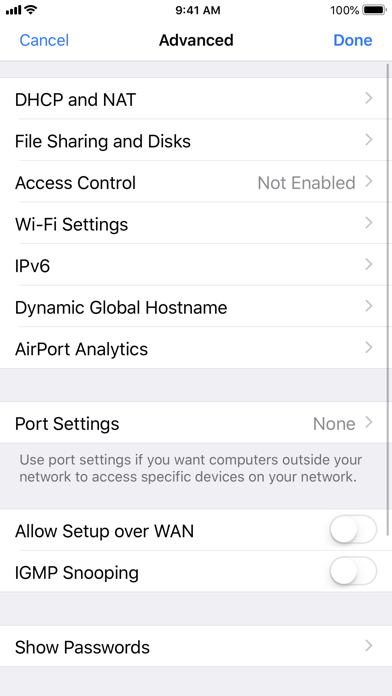
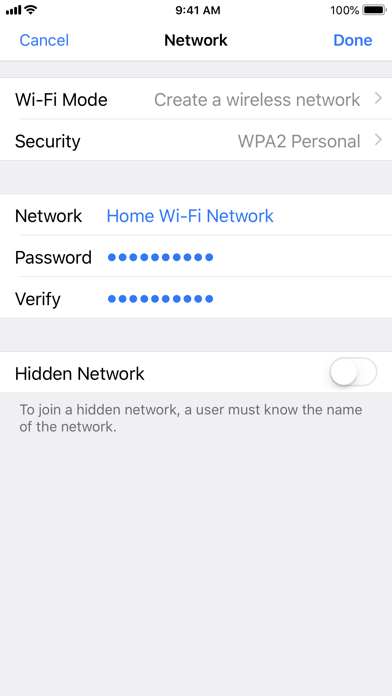
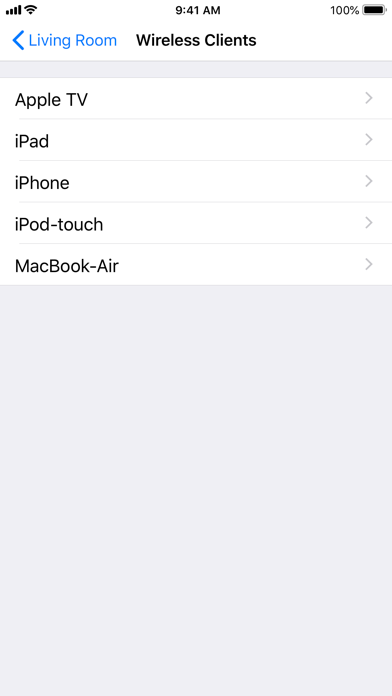
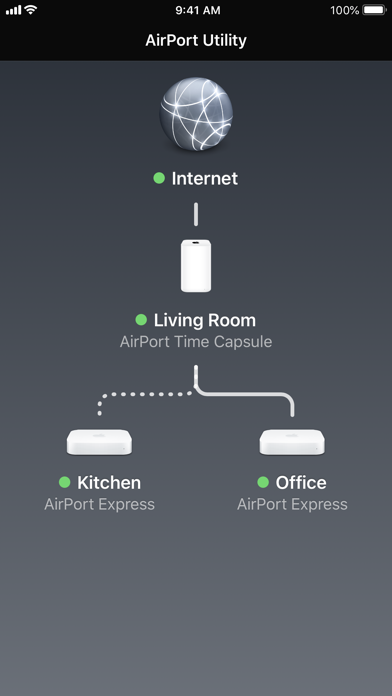
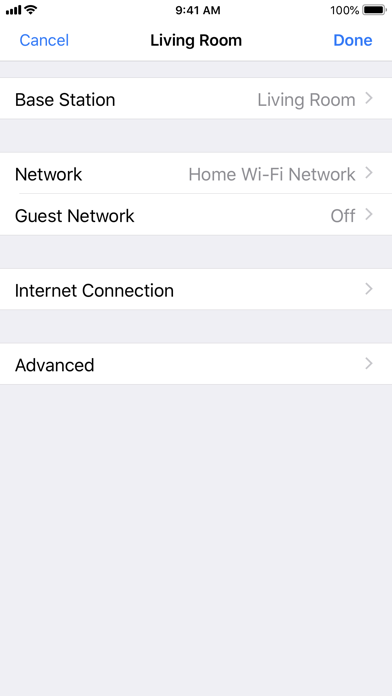
Use AirPort Utility to manage your Wi-Fi network and AirPort base stations, including AirPort Express, AirPort Extreme, and AirPort Time Capsule — right from your iPad, iPhone, or iPod touch. See a graphical overview of your Wi-Fi network and devices. Change base station and network settings, or manage advanced features such as security modes, wireless channels, IPv6 configuration, and more. AirPort Utility works with all Apple 802.11n and 802.11ac Wi-Fi base stations, including AirPort Express, AirPort Extreme, and AirPort Time Capsule. Features • See a graphical overview of your Wi-Fi network • Get information about your connected Wi-Fi devices • View and change network and Wi-Fi settings • Restart or restore a base station, or update the firmware on a base station when available • View or update passwords for your network, base stations, or disks • Easily access network information such as IP address, DNS servers, and router address • Manage DHCP reservations and port mappings • Configure base stations for IPv6 • View status or error messages • Archive Time Machine backups
Screenshots

Reviews

  • Can’t find under settings

    1
    By Chantalpuravida
    Downloaded but it is not under settings. It just an app that when it opens it starts searching and nothing happens. Tried to contact support but ….
  • Wifi Channels; Great Utility Tool

    5
    By AmnesiacSnow
    Allows you to scan wifi channels to find the best signals/latencies for your home network.
  • Thank you

    5
    By HerStarshine
    iOS settings > apps > AirPort Utility > Toggle on "WiFi Scanner" Thank you so much for this. Please, for the love of WiFi, please update this with a live signal graph. This is the only app in the app store that let's me see what channel to choose for my router (the channel least saturated by other routers). A live signal graph would be a godsend. How does this not just come with iOS?

  • Junk

    1
    By CheatedOutOfMyMoney
    Does nothing but ads
  • Do not remove this app

    5
    By Tekkygirl
    Please do not remove. Some of us still use Airport routers.
  • Do not delete this app.

    5
    By Ko JH L
    Please don’t terminate this app on iOS. We still need for our sound system settings for Airplay. Just leave it!!!!!
  • The reliable standard to get the most out of an Apple Airport

    5
    By zav
    Easiest to understand and best tool to configure Apple Airports
  • Underrated

    5
    By 👽🛸👾👽
    For free? Seriously? 🙏 nice
  • Cannot scan wifi

    1
    By Rob Nordic
    On the iPad version without any AirPort devices, you can scan WiFi to determine signal strength. On the iPhone version, this is not available; at least for me without any airport devices.
  • Shows Wifi Channels

    5
    By Dee Double U 1-2
    This is the ONLY App in the App store that shows which channel the networks around you are using. Playstore has “Wifi Analyzer” that shows so much, but this at least shows the bare minimum you need to help you select the best channels for your router. Setup permissions in settings to allow Wi-fi scan first and you’ll be good to go.

Comments

keyboard_arrow_up