TP-Link Tapo

TP-Link Tapo

By TP-Link Systems Inc.

  • Category: Lifestyle
  • Release Date: 2019-09-16
  • Current Version: 3.22.102
  • Adult Rating: 4+
  • File Size: 821.59 MB
  • Developer: TP-Link Systems Inc.
  • Compatibility: Requires iOS 14.0 or later.
Score: 4.81567
4.81567
From 21,136 Ratings

Description

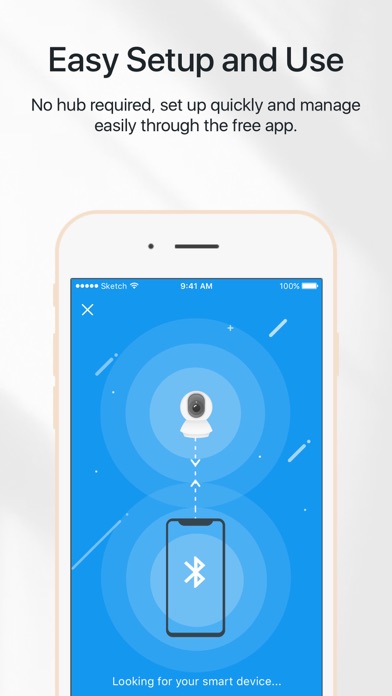
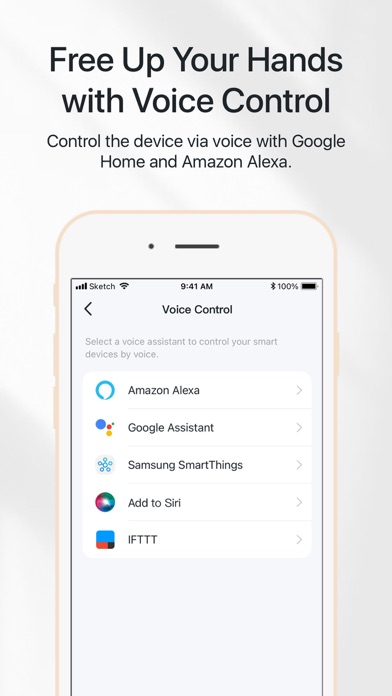
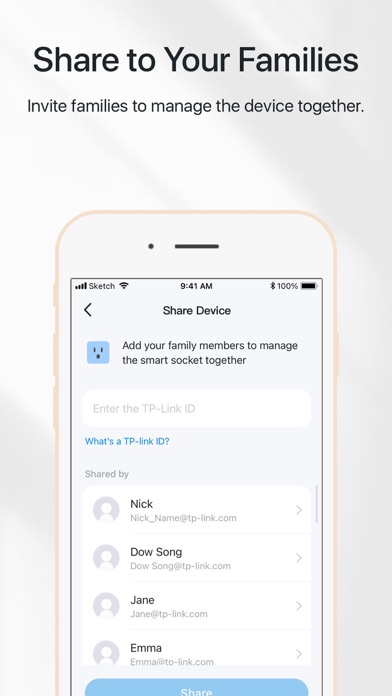
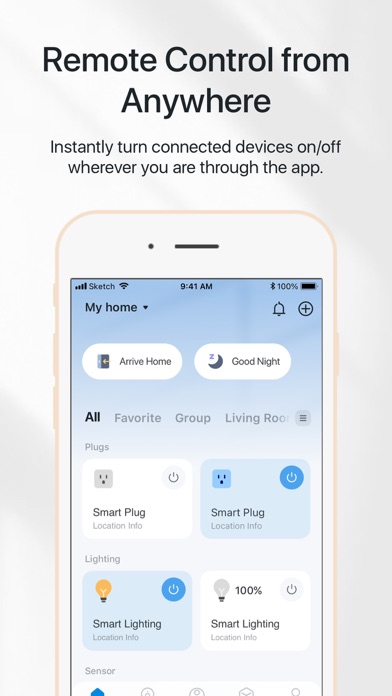
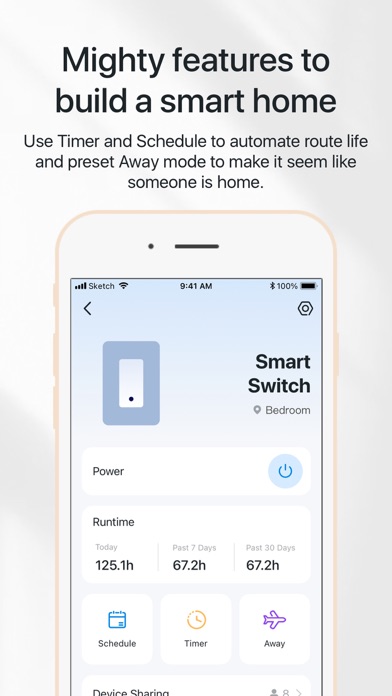
Set up, manage, and control Tapo home security cameras, smart plugs, smart lighting, and more – all from the Tapo app. Tapo aims to help you live a smarter, easier, and more secure life. - Control from Afar Quickly and easily connect and control all your devices from a single tap, no matter where you are! Organize your devices across Homes and Rooms with ease. Group your devices for batch control. You can also share devices to your friends or family members to control together. - Know what’s going on Get the status of your devices in real time. Understand what’s going on at home at a glance, and get instant notifications. Intelligent features in the Tapo home security cameras let you tune into the action live, record important moments, talk to your pets, and scare away intruders. *Get up to 30 days of cloud video history and enjoy AI detections with Tapo Care (subscription service) for Tapo home security cameras. - Automate your home with Smart Actions Make your Tapo devices work around your daily routine. Have your lights gently wake you up in the morning or turn off all your home devices when you leave home. Custom Smart Actions give your home that level of intelligence in a snap. - Hands-free Voice Control Use your voice to control your Tapo devices via Amazon Alexa, Google Assistant, Siri or your favorite smart assistant. Simple voice commands let you turn on/off devices, or adjust the brightness/temperature/color. You can even cast your security cameras to display on your TV – without opening the app. Stay tuned for updates as we add new features and products to the Tapo family! For more information about your Tapo, visit www.tapo.com Terms of Use https://www.tapo.com/app/privacy/#terms-of-use Privacy Policy https://www.tapo.com/app/privacy/#privacy-policy
Screenshots

Reviews

  • Muy buena

    5
    By Manchip69
    Excelente sin publicidad
  • Ok needs better reporting

    3
    By Jovialcity
    The app needs much better reporting. You have to click deep into each individual power outlet on the power strip to see power usage, for example. There needs to be reports: combined numbers and graphs that show the usage per plug, per group, per device, multi device. It’s not very useful having to click on each individual plug, multiple clicks deep, just to see the data - there’s no report - I have to add up the usage for each plug myself. To see the monthly cost or combined watts you have to do your own math because it’s per plug. Even the groups you create don’t give a unified report. A separate issue: it should show Amps being drawn, not just watts.
  • Schedule times are now off

    4
    By auh20
    Great app, but a recent update made it that if I schedule my lights to turn on 10min after sundown on say Sunday, it used to tell me that time the action would trigger on Sunday. Now it shows me 10 min after sundown today. Kind of annoying when I want to know the times for the day it’s set to
  • Can’t change email address + Detection Zones don’t work AT ALL = 1 star

    1
    By computerwelt
    I’m so tired of these lazy companies that don’t build the most basic account management features into their products. This app doesn’t allow you to change your login email. Their solution? Remove your Tapo devices from the app, delete your account, open a NEW account with your preferred email, manually add your devices to the new account. Truly flabbergasting that in 2025 this is a solution a tech company seems happy with. Give me a break. What absolute rubbish. Additional MAJOR complaint. The Detection Zones simply do not work. They’re fraudulent. They are vaporware. I’ve drawn zones for Person detection multiple times in a very specific area of my camera’s view. Every single day it detects and records people OUTSIDE of the zone I drew. VERY outside it. Not even close to it. To add insult to injury, the camera often FAILS to record people INSIDE the detection zone I drew. So in short, it’s absolute garbage. Do NOT waste your time with this app, the cameras or ANYTHING manufactured by this fraudulent company. Update: I’ve almost accidentally subscribed to their stupid paid cloud service MULTIPLE times because they put sneaky links and buttons in the app that try to trick you into clicking them to subscribe. It’s absolutely sickening and I can’t wait to replace these cameras with a better service.
  • You turn it off when cops came ! Who are you hiding tapo shooting just happened!

    1
    By Kickrocksorstealmoney
    Who are your protecting Rc horsch! I want protect my family and my belongings I have the proof email me ! I paid for this to work ! And a shooting happened and it went out as the cops came !
  • Vacuum control

    1
    By K-Rad-B
    After iOS 27 update the app will not control my two vacuums on the iPad. Works fine on iphone.
  • Amazing

    5
    By Kris1669
    Great company great service can’t say enough! No issues and I really hope it stays this way thank you TP. I have switched so many people to you great app
  • No automation with auto match

    1
    By Jay Rutherford
    They removed the ability to create automations to turn on the Kasa LB120 and Tapo L535 and set them to Auto Mode “Circadian”. It was a great feature of the bulbs when programmed to turn on at certain brightness or colors automatically then would like it to return to auto mode later. Bring back the feature and get rid of this Auto Biorhythm that no one asked for!
  • Something is broken

    2
    By TheRealLadyShine
    When viewing in multiple camera view, I used to be able to double-click on one to open the camera to full view. It doesn’t work anymore, so have to back out and reselect the camera. Too many steps added when taking away a simple one-click action. Disappointing as the cameras are awesome, app- not so much.
  • Works iffy

    3
    By MaddilynnAld
    It’ll send notifications when the leaves in the trees move from the wind but not when the mail truck drives by??????

Comments

keyboard_arrow_up