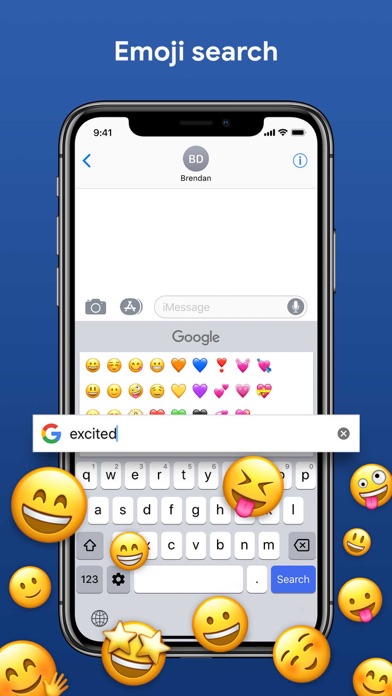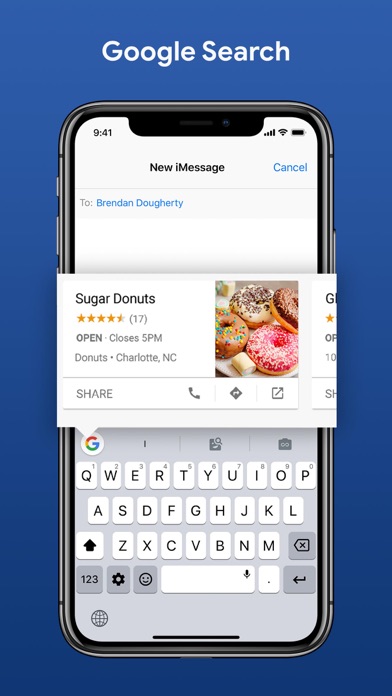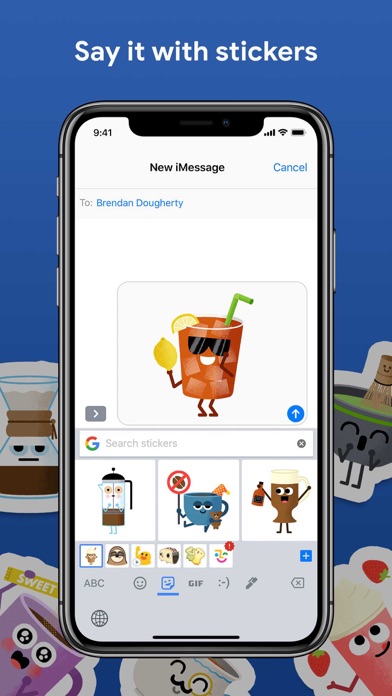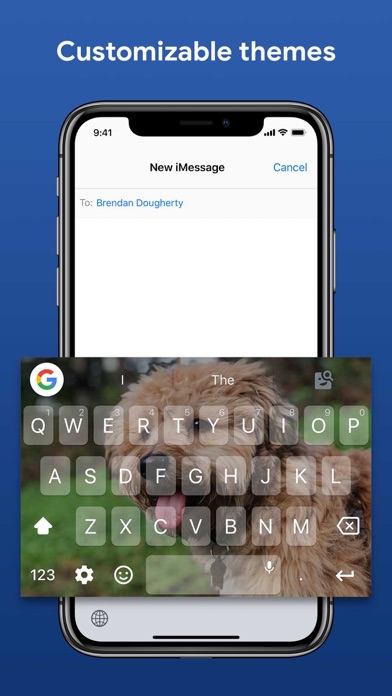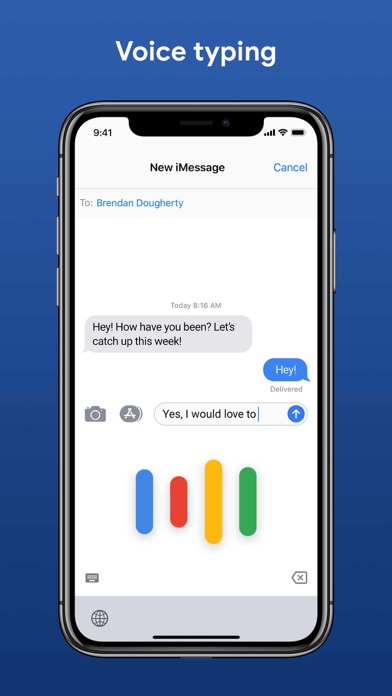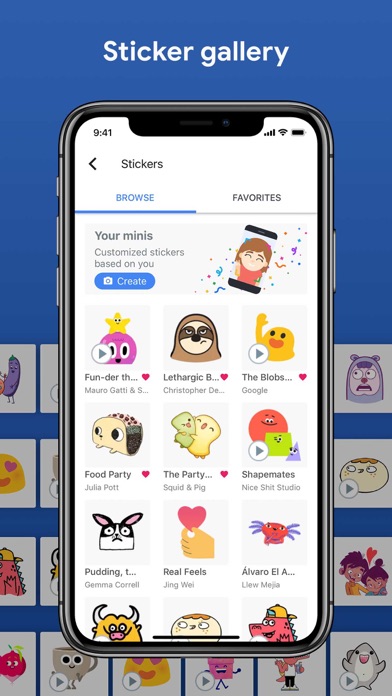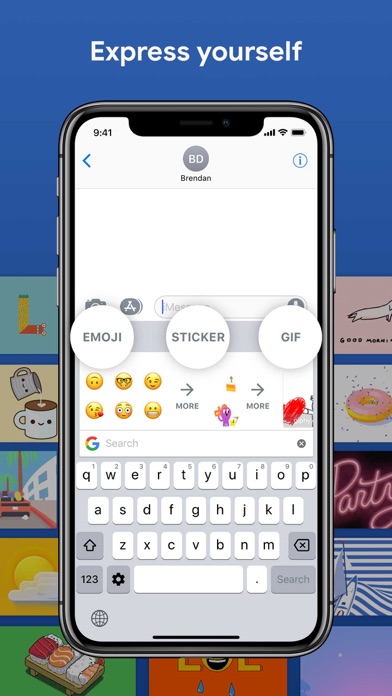
Gboard is the keyboard from Google for your iPhone, packed with features to make typing effortless. On top of GIFs, emoji search, and Glide Typing, the power of Google is at your fingertips with Google Search built in. Forget switching from app to app – just search and send, all from one place. GIFs — Search GIFs for the best reaction Emoji Search — Find the perfect emoji, faster Stickers - Create or share stickers to express yourself Glide Typing — Type faster by sliding your finger from letter to letter Search and send anything from Google: • Nearby stores and restaurants • Videos and images • Weather forecasts • News and articles • Sports scores • And anything else you’d search on Google Gboard for iPhone and iPad supports the following languages: • Afrikaans • Arabic • Azerbaijani • Belarusian • Bengali • Bulgarian • Catalan • Croatian • Czech • Danish • Dutch • English • Estonian • Finnish • French • German • Greek • Gujarati • Hausa • Hebrew • Hindi • Hungarian • Icelandic • Indonesian • Italian • Japanese • Khmer • Korean • Latvian • Lithuanian • Macedonian • Malay • Maltese • Marathi • Norwegian • Persian • Polish • Portuguese (Brazil) • Portuguese ( Portugal) • Romanian • Russian • Serbian • Simplified Chinese • Slovak • Slovenian • Spanish • Swahili • Swedish • Tamil • Telugu • Thai • Traditional Chinese (Taiwan) • Traditional Chinese (Hong Kong) • Turkish • Ukrainian • Vietnamese • Welsh • Zulu Privacy We know the things you type on your phone are personal, so we’ve designed Gboard to keep your private information private. What Gboard sends to Google: • Gboard sends your searches to Google’s web servers to give you search results. • Gboard also sends usage statistics to Google to let us know which features are used most often and to help us understand problems if the app crashes. • If you use Gboard’s microphone, voice input will be sent to Google for transcription. What Gboard doesn’t send to Google: • Other than your searches and voice inputs, Gboard doesn't send anything you type to Google, whether it’s a password or chat with a friend. • To help you with spelling and to predict searches you might be interested in, Gboard will store the words you type on your device. This data is not accessible by Google or by any apps, and can be cleared at any time. • If you’ve turned on contacts search in Gboard search settings, this allows Gboard to search the contacts on your device so you can easily share. None of these queries are sent to Google.