Microsoft To Do

Microsoft To Do

By Microsoft Corporation

  • Category: Productivity
  • Release Date: 2019-06-17
  • Current Version: 2.177
  • Adult Rating: 4+
  • File Size: 20.10 MB
  • Developer: Microsoft Corporation
  • Compatibility: Requires iOS 13.0 or later.

Description

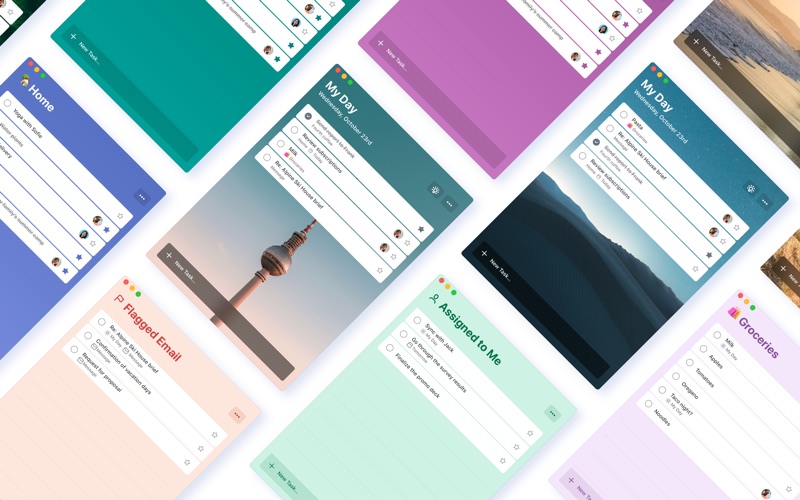
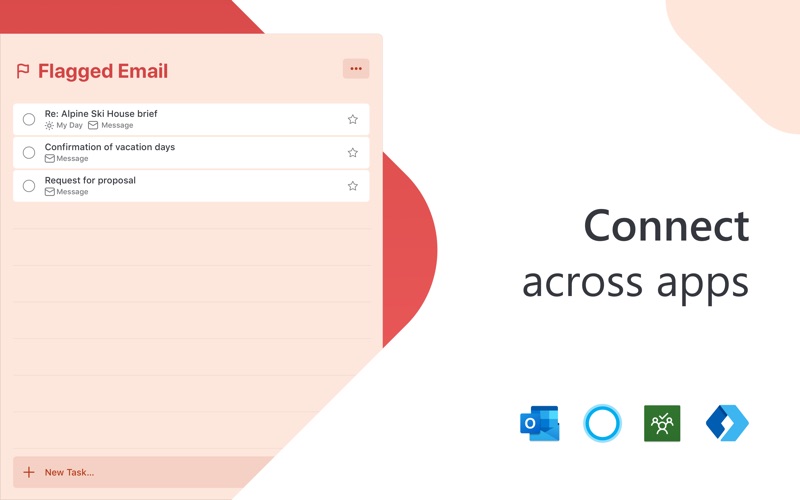
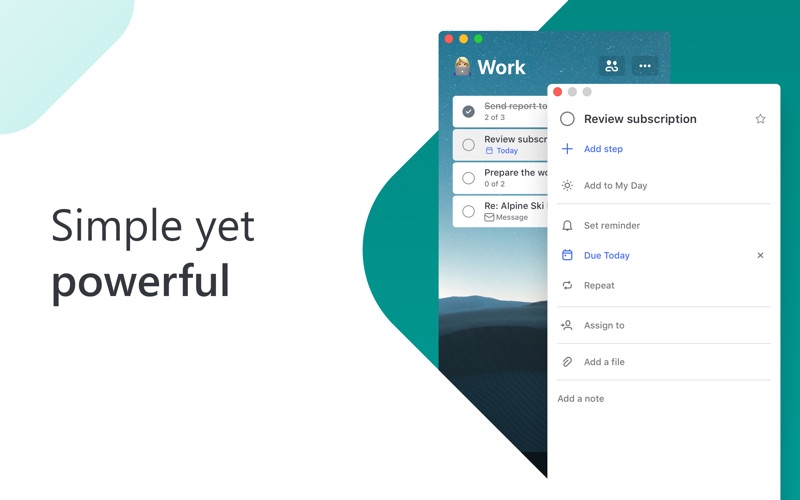
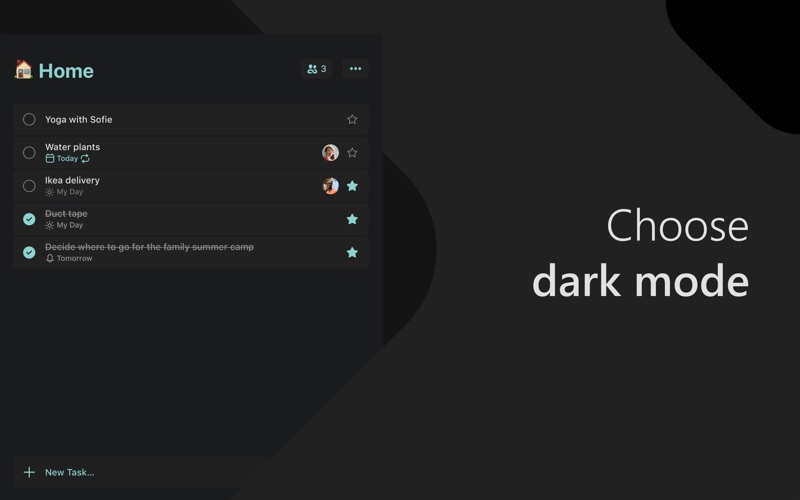
Stay organized and manage your day-to-day with Microsoft To Do. Make shopping lists or task lists, take notes, record collections, set reminders and more to improve your productivity and focus on what matters. Microsoft To Do is the task management app that makes it easy to stay organized and manage your life. Accomplish what’s important to you each day with My Day and Suggestions, personalized day planner tools. Daily tasks are simple with To Do, from grocery lists to housecleaning routines. Intelligent suggestions recommend tasks from across your lists that may be relevant each day. Microsoft To Do helps you quickly capture and retrieve your lists and tasks across devices. Sync reminders and tasks with Microsoft 365 to access them anywhere. Capture tasks from different Microsoft apps and services and sync them with Microsoft To Do, from flagging emails as tasks in Outlook to lists from Cortana. Your tasks and lists are hosted securely on the Microsoft 365 service. Make your lists unique with customizable features like emoji, colorful themes, dark mode and more. Stay connected and collaborate with friends and family by sharing lists to coordinate. Microsoft To Do Features: Daily Planner • Stay focused with My Day, a personalized daily planner with suggested tasks • Get your lists anywhere, on any device • Add notes to any task Task Manager • Share lists and tasks with your friends, family, colleagues, and classmates • Create color-coded lists • Set one-time or recurring due dates and reminders • Break your tasks into manageable steps • Attach files up to 25 MB to any task To Do Lists for Any Purpose • Bill planner • Shopping lists • Set reminders • Task management • Business calendar • Note taking • And more Microsoft 365 Integration • Sync your tasks between Outlook and To Do • Host lists and tasks with the reliability and security of Microsoft 365 • Compile tasks from across your Microsoft 365 apps and services Whether it's for work, school, or home, To Do helps you organize and simplify your plans. To Do is free and available on all your devices. Learn more: https://to-do.microsoft.com Follow us on Twitter: @MicrosoftToDo Have an idea or feature suggestion? https://go.microsoft.com/fwlink/?linkid=2171952 Need support? https://go.microsoft.com/fwlink/?linkid=2156547 By installing Microsoft To Do, you agree to the Microsoft Terms of Use: https://go.microsoft.com/fwlink/?linkid=842575

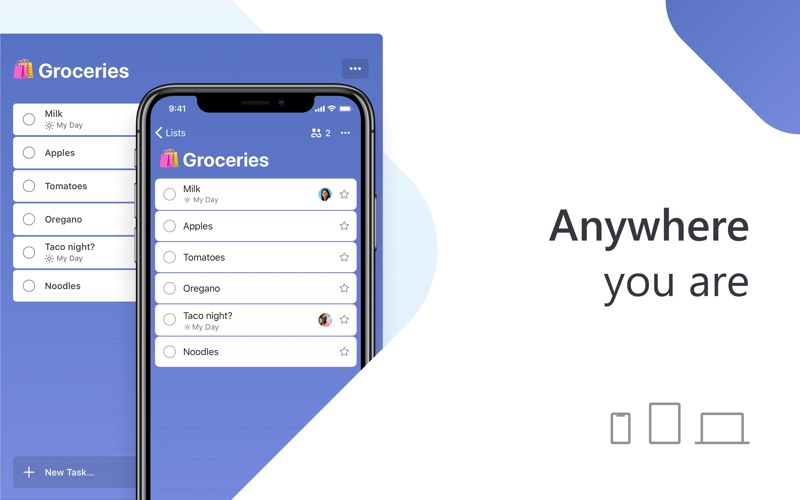
Screenshots

Reviews

  • Persistent Tooltip, seriously?

    1
    By unwellmillennial
    It’s 2026 and you’re forcing me to click “Try it Out” CTA in a persistent tooltip titled Create tasks from flagged messages in Outlook. Forget it. It’s been days and it’s still there.
  • Great App Except...

    3
    By czechmate05
    I love this app, it's a cornerstone of my digital productivity but there are two things that drive me crazy. 1. I use the My Day feature all day and everyday and it is so frustrating that there is no option to organize that view by list. Right now, in order to do that I have to set to organize by alphabetical and add special characters or emojis to lump all items of a specific list together. I shouldn't have to trick the software to do it for me. I am BEGGING YOU, MICROSOFT, PLEASE add that option on your next update. 2. Sometimes sub-items in a given task do not sync across platforms. This shouldn't be the case, this far into the development of the app. Never had these problems with Wunderlist, even after Microsoft bought it, not sure why they can't seem to get this app on the level of WL but I sure hope they will someday.
  • More specificity in notification

    3
    By Go Utah!
    In the daily notification, I’d like to know how many tasks are waiting for me that day, not just a motivational message
  • Such a wonderul app!

    5
    By casinochris86
    It does the basic necessities that you want for an organizer app, to level up your task priorities. By making everything feel less cluttered on your weekly work & personal mental to-do list. A game changer if you need a simplistics user friendly system!
  • Doesn’t work for me

    1
    By KingOfHuns
    I love Microsoft To Do on my work PC and on my iPhone and iPad. However, this Mac version doesn’t work at all for me. It won’t let me add a task, list, or group. I can’t even go to Account or Settings (it just does nothing) to see if I can change something to make it work. It’s just completely broken.
  • To-Do should be To-Don’t

    1
    By -,-.-O-M-G.-,-.-.
    It just keeps crashing on MacOS
  • 2026 And I can’rt believe it still won’t add Due Date from Task

    1
    By Couc
    Unlike the Windows or Android app this garbage app won’t read the Due Date and/or time when adding it directly to the task (Smart Date Recognition). Changing back to Todoist for now, until they add this feature
  • To Do App Is Awesome

    5
    By lust freak
    This is an easy to use app that organizes all my To Do lists--both personal and business. It syncs with my phone. It is so handy and keep me organized so things don't get dropped or lost in the daily hustle.
  • New update is not working ok

    2
    By Nickgame98
    the change theme option is bug, not showing correctly
  • Decent, could use more

    3
    By Jaims479
    Pros: I can create a rolling to-do list, assign dates and such to those and it’s got some prepackaged views to see today/tomorrow/future things. It’s connected to email so if I flag an email, it’s there. Cons: I wish it had prioritization (beyond re-ordering tasks or flagging things as Important). I am building a habit of trying to load all to-dos into a parking lot and then prioritize my top 3 each day. I’d like to be able to set those up and define them easily. Best I can find now is to create lists and move tasks between them. Doable, but it would be nice to have some different flexibility and customization options.

Comments

keyboard_arrow_up